
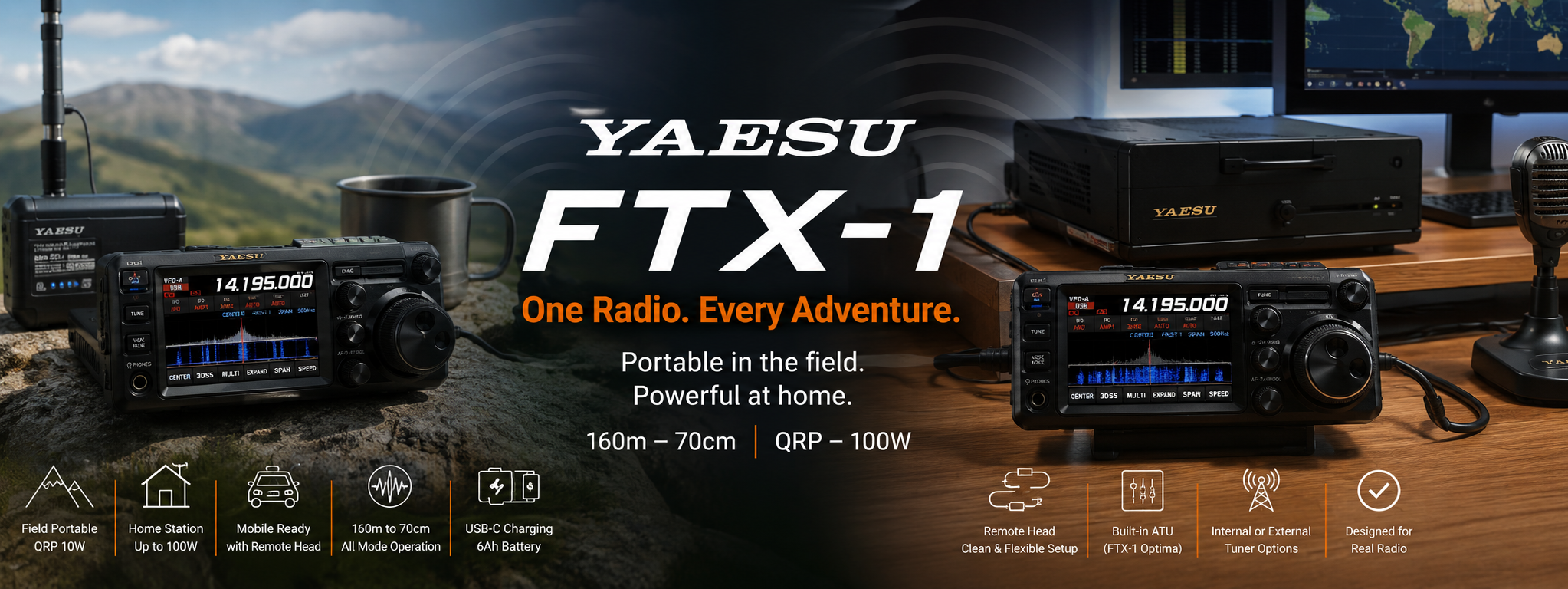
VIDEO:
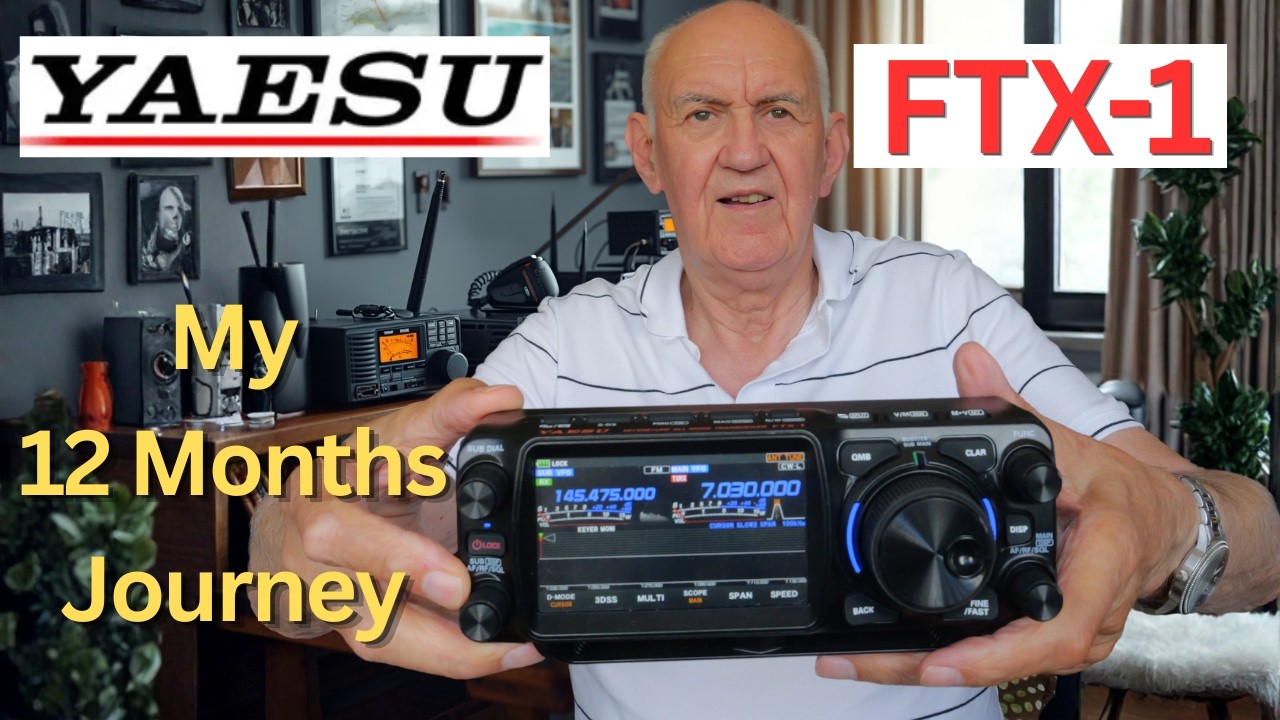
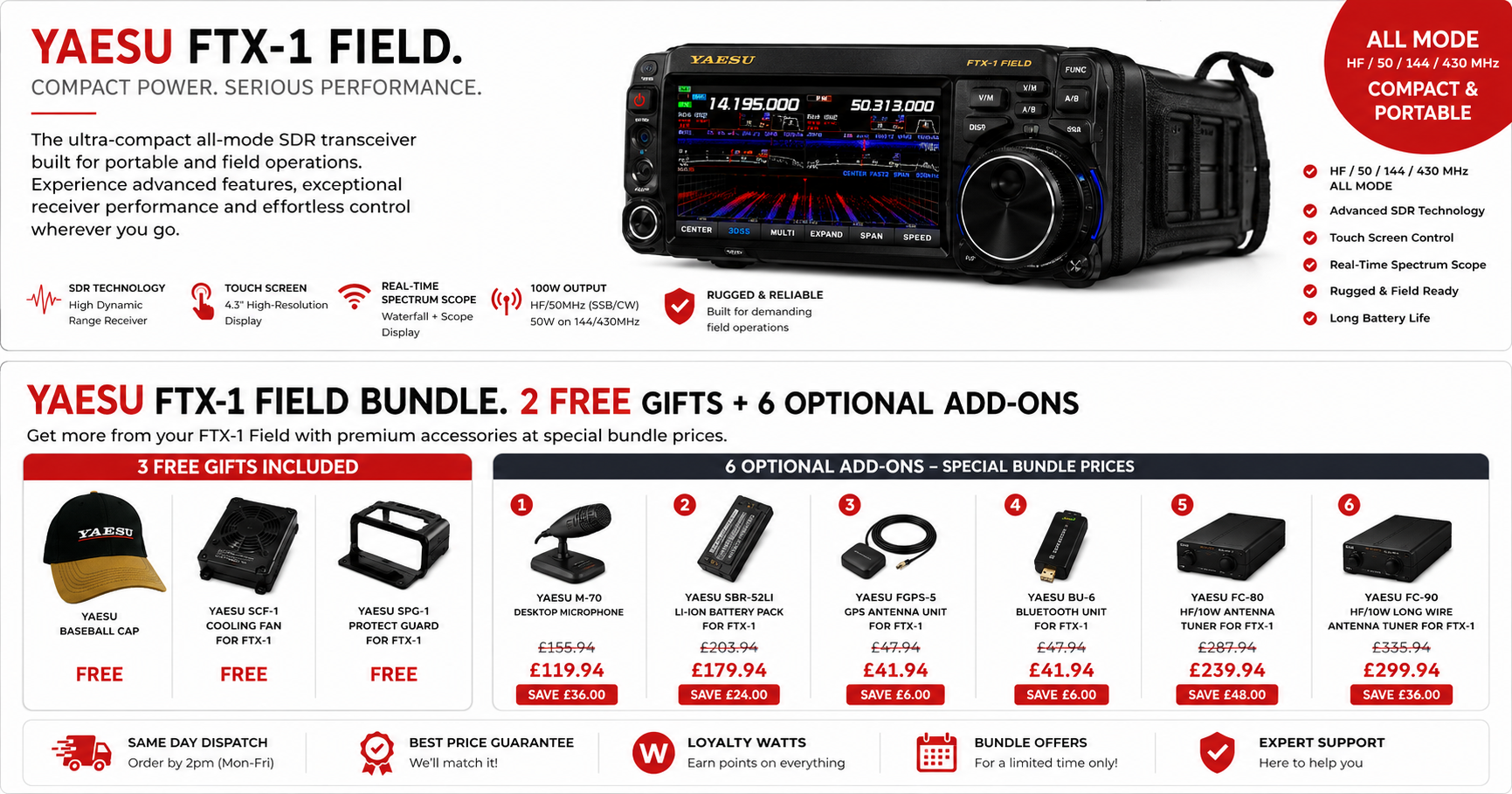
I have now used the Yaesu FTX-1 for nearly 12 months, both as a portable transceiver and as part of a home station, and I have rather enjoyed getting to know it. It is one of those radios that can do a great many things without occupying much space at all.
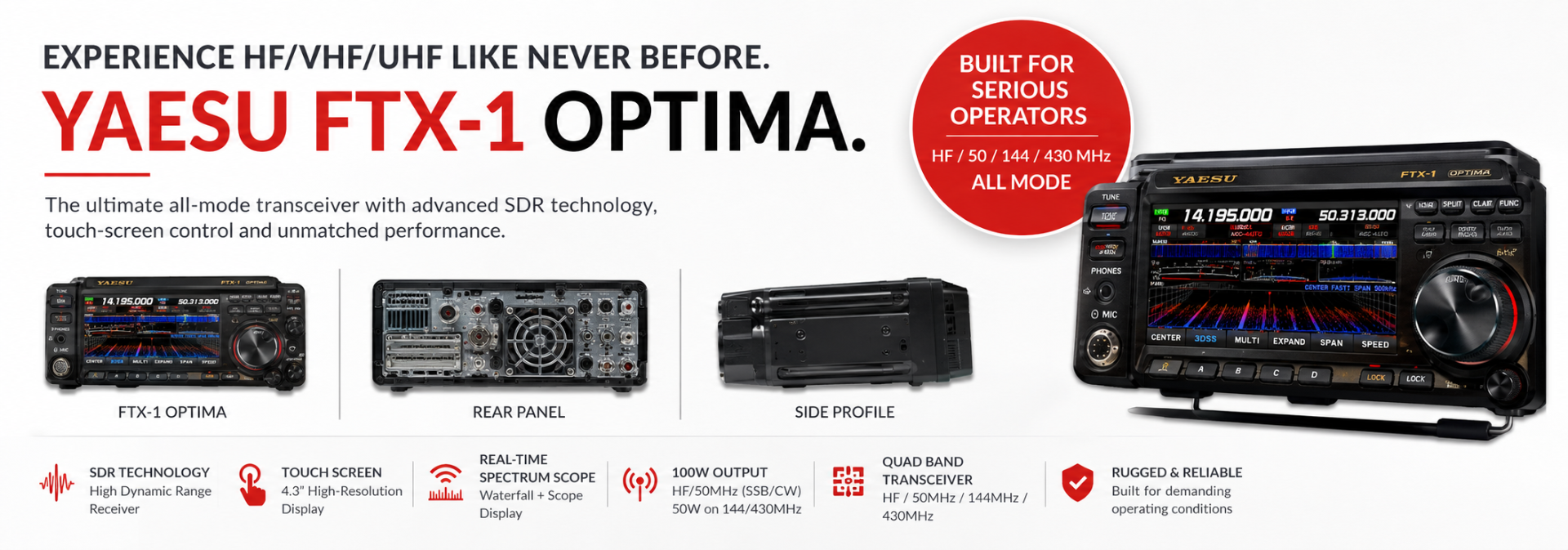
The FTX-1 comes in two versions. The FTX-1 Field is the low-power portable unit, delivering 6W from its battery or up to 10W when supplied from 12V. The FTX-1 Optima adds the high-power base unit, giving up to 100W on HF, 50W on the VHF bands, and an internal automatic antenna tuner.
Both cover the principal amateur bands from 160m through to 70cm, along with a wide selection of operating modes. After a year of use, I think it is a particularly capable choice for anyone who wants one familiar radio for the shack, the car, the park, or the summit.
A Compact Station That Covers the Main Amateur Bands
It is remarkable how small a modern all-band transceiver can be. The FTX-1 provides HF, 6m, 4m, 2m and 70cm coverage in a genuinely compact package, yet it is not simply a compromise portable set.
With the Optima base unit attached, it becomes a proper 100W HF station with a built-in ATU. Without the base, it is a self-contained QRP portable transceiver. That flexibility is really the point of the design.
For many amateurs, 100W on HF and 50W on VHF and UHF is more than adequate. It will cover everyday HF operation, local and repeater activity on VHF, portable work, and the various activity evenings that take place on 2m and 70cm.
Portable Operation: Battery Weight Versus Battery Life
One criticism sometimes made of the FTX-1 Field is its weight. It is certainly not the lightest portable transceiver available, largely because it includes a substantial 6Ah battery. But for portable radio, I think it is important to consider what that extra weight gives you.
If I were heading out for a POTA activation, or perhaps more appropriately a SOTA outing, I would rather carry a little more weight and have several hours of operating time available. A very light radio with only an hour or so of battery life may sound attractive until you are on a hilltop and the battery is flat.
In my experience, it is quite possible to get a full day of sensible operation from the supplied battery. Personally, I would trade a little additional weight for that reassurance.
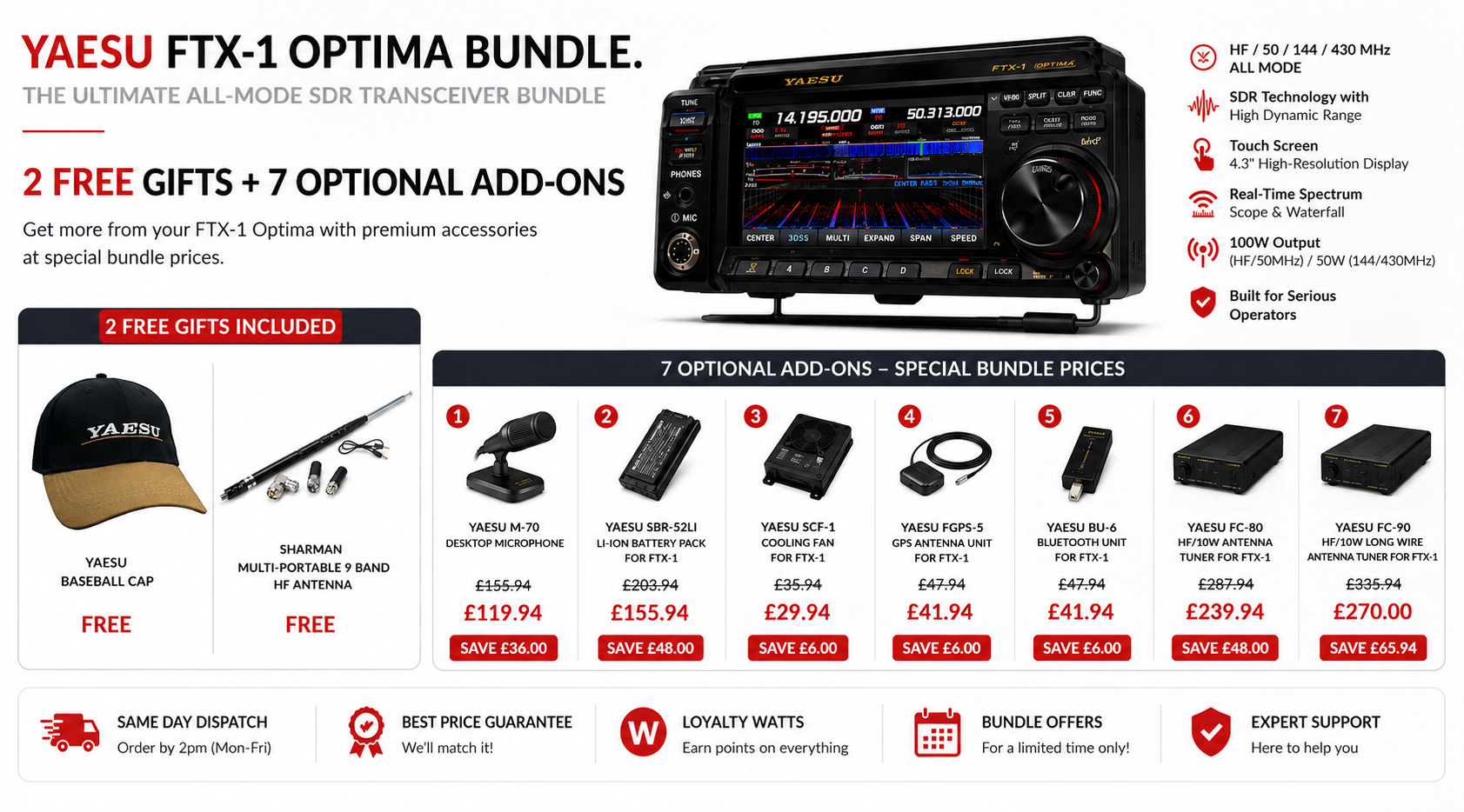
Useful USB-C Battery Charging
The supplied 6Ah battery has a particularly useful feature: a USB-C charging socket on its edge. You can unclip the battery from the rear of the Field unit and charge it directly with a USB-C lead.
That is a very convenient arrangement for portable use. It means charging is not dependent on having the entire radio assembled on the bench.
Choose the perfect tuner from our range at Moonraker
-
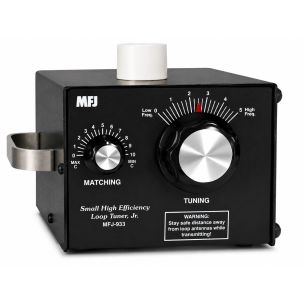 MFJ-933 5.3-29.7MHz LOOP TUNERSpecial Price £227.96 Regular Price £284.95
 -
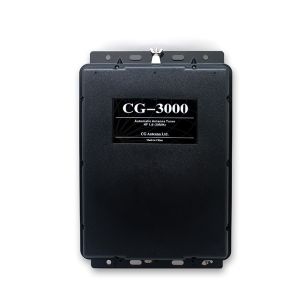 CG-3000 Automatic Antenna TunerSpecial Price £239.95 Regular Price £249.95
 -
 YAESU FC-90 Antenna Tuner For FTX-1 (Plus £45 Cashback From Yaesu UK)Special Price £225.00 Regular Price £279.95
 -
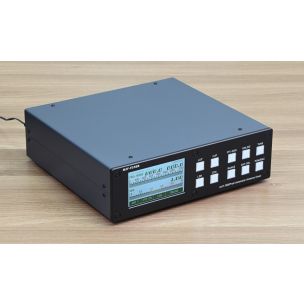 mAT 1500PROII High Power Automatic Antenna TunerSpecial Price £649.95 Regular Price £699.95
 -
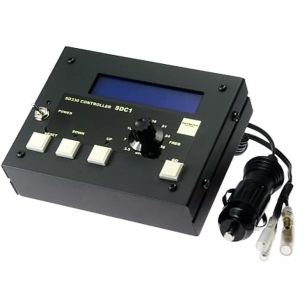 DIAMOND SDC-1 SDC-1 Tuning control for SD330 antennaSpecial Price £199.95 Regular Price £249.95
 -
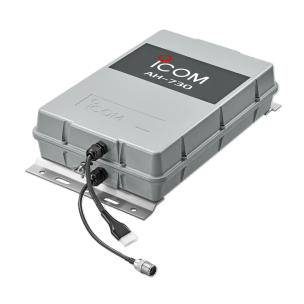 Icom AH-730 - Automatic Antenna TunerSpecial Price £499.95 Regular Price £549.95
 -
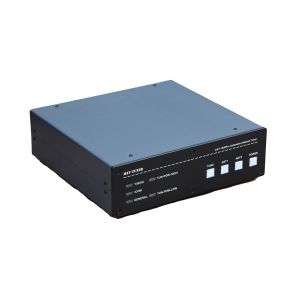 mAT-1500Pro - High Power Automatic Antenna Tuner - Upgraded VersionSpecial Price £499.95 Regular Price £549.95



Do You Need an Internal Antenna Tuner?
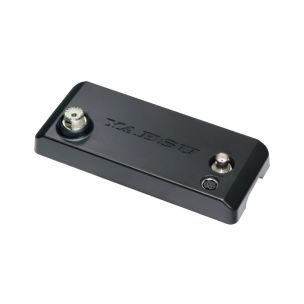
The lack of an internal antenna matching unit in the FTX-1 Field is sometimes raised as a drawback, just as it is with other compact portable radios. In practice, it depends very much on the antennas you use.
I generally favour resonant antennas. If the antenna is cut correctly for the band, an ATU is not necessary, which means one less item to carry, power and adjust in the field.
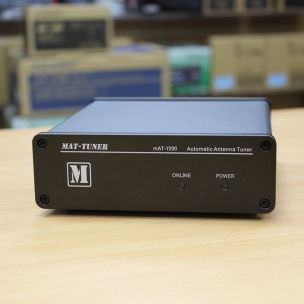
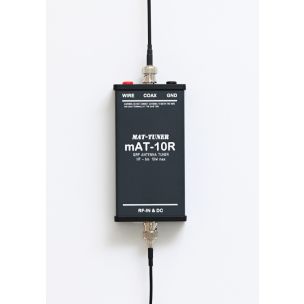
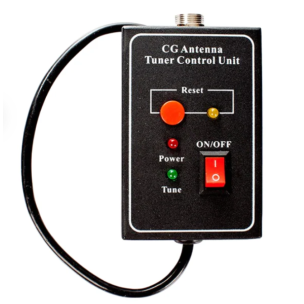
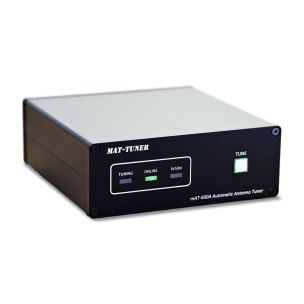
For non-resonant antennas, though, an external tuner is an easy answer. A small manual QRP tuner can work very well at the Field's 10W power level. There are also automatic options available, including a dedicated MAT tuner for the FTX-1 and general-purpose QRP MAT tuners.
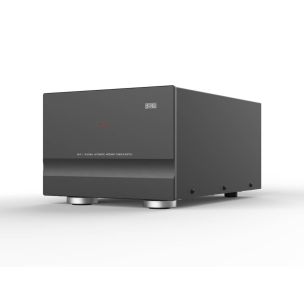
The Optima of course takes a different approach. Its base unit incorporates an automatic antenna tuner, making it especially convenient as a home or mobile 100W station.
Remote Head Operation Keeps the Shack Tidy
One of the most useful FTX-1 accessories is the remote-head extension cable. It carries DC power, control signals and RF connections, allowing the operating head to be separated from the main unit.
This is obviously useful in a vehicle, but it is just as valuable at home. You can place the compact control head on the desk and keep the main unit, power amplifier and tuner under the desk, in a cupboard, or elsewhere out of sight. The result is a remarkably clear operating area.
The detachable-head idea is becoming increasingly common in modern transceivers, and it makes a great deal of sense. Many of us do not have unlimited desk space, but we can usually find room for a small, neat control panel.
Check Out Coax Solutions At Moonraker:
-
 M&P - Airborne 10 CoaxAs low as £3.15
 -
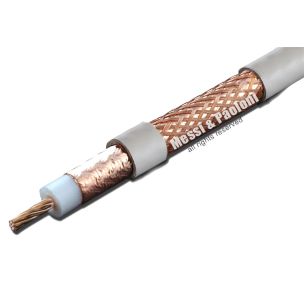 M&P - Ultraflex 10C Sahara CoaxAs low as £3.50
 -
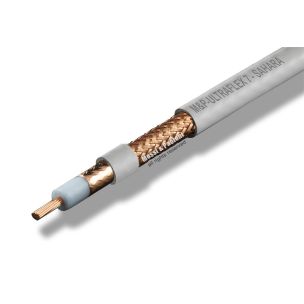 M&P - Ultraflex 7 Sahara CoaxAs low as £2.30
 -
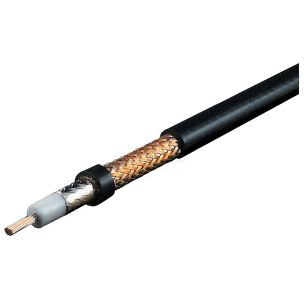 M&P - Extraflex Bury 7 CoaxAs low as £2.30
 -
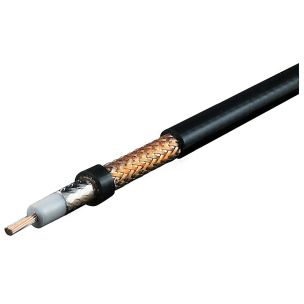 M&P - Ultraflex 7 CoaxAs low as £2.30
 -
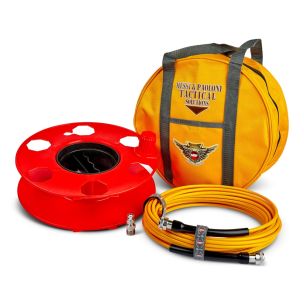
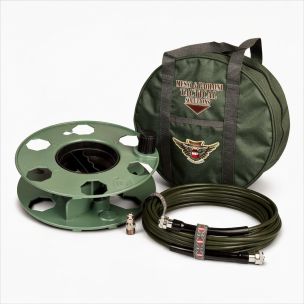 M&P STEALTH-FLEX7-50F (15m) Bundle (Stealth)Special Price £129.95 Regular Price £149.95
 -
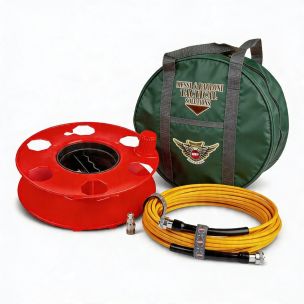 M&P POTA-FLEX7-50F (15m) Bundle (Green Bag)Special Price £129.95 Regular Price £149.95
 -
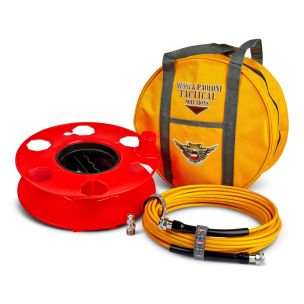 M&P POTA-FLEX7-50F (15m) Bundle (Yellow Bag)Special Price £129.95 Regular Price £149.95
 -
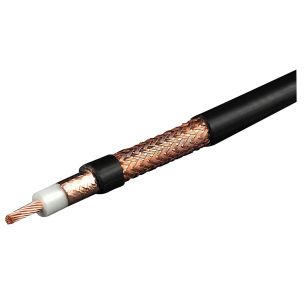 M&P - Extraflex Bury 10C CoaxAs low as £3.60
 -
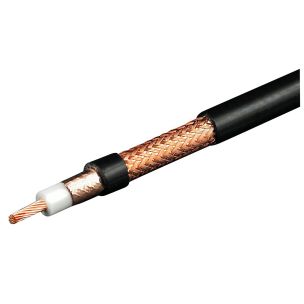 M&P - Ultraflex 10C (Competition) CoaxAs low as £3.50
 -
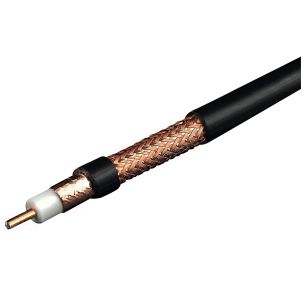 M&P - Broad-Pro 50c CoaxAs low as £4.25
 -
 M&P - POTA-FLEX 7 CableAs low as £4.50
 -
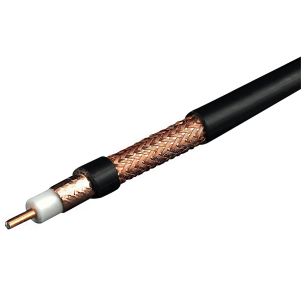 M&P - Hyperflex 5 CoaxAs low as £1.80
 -
 M&P - Airborne 5 CoaxAs low as £1.35
 -
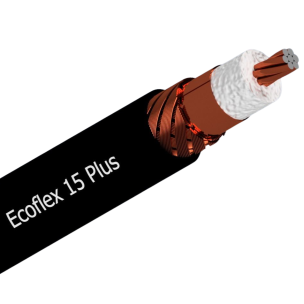 SSB - Ecoflex 15 PLus (Low Loss Coax) (15mm)As low as £10.95
 -
 SSB - Ecoflex 15 (Low Loss Coax) (15mm)As low as £8.95
 -
 SSB - Ecoflex 10 (Low Loss Coax) (10mm)As low as £5.25
 -
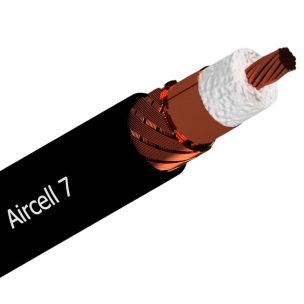 SSB - Aircell 7 (Low Loss Coax) (7mm)As low as £3.95
 -
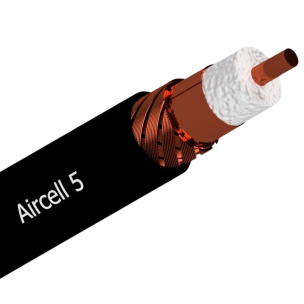 SSB - Aircell 5 (Low Loss Coax) (5mm)As low as £2.75
 -
 FZ400CU (LMR400) Super Low Loss CoaxAs low as £2.25
 -
 RG174 Mil Spec (50 Ohm) Super Thin CoaxAs low as £0.50
 -
 Mini8 Mil Spec (50 OHM) CoaxAs low as £0.90
 -
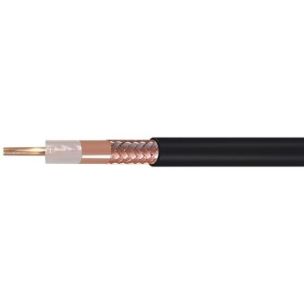 Formula Zero Mil Spec (50 OHM) CoaxAs low as £2.00
 -
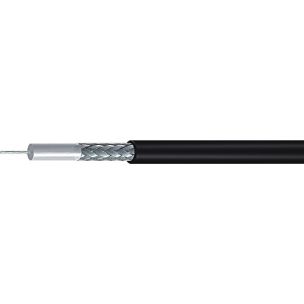 RG58 Mil Spec (50 OHM) CoaxAs low as £0.60
 -
 RG58 Standard (50 OHM) CoaxAs low as £0.45
 -
 RG213 Mil Spec (50 OHM) CoaxAs low as £1.75

One Important Cable Connection Detail
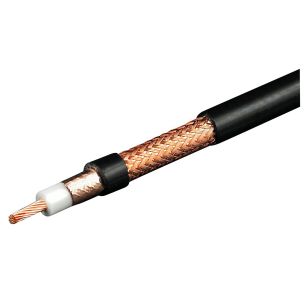
When connecting the remote cable assembly, take care with the RF leads. Yaesu has not labelled the HF and VHF/UHF cables on the assembly.
- The thicker BNC coax lead is for VHF/UHF.
- The thinner coax lead is for HF.
It is a simple point, but worth remembering when fitting or refitting the remote cable.
Keep the Battery Attached When Using the Optima Remotely
There is another useful tip for Optima users. When operating with the head separated from the base unit, leave the battery attached to the rear of the head. The DC feed from the Optima powers the head and also charges the battery.
It is a straightforward way to keep the portable side of the radio ready for the next outing.
A Complete Portable Station in One Compact Unit
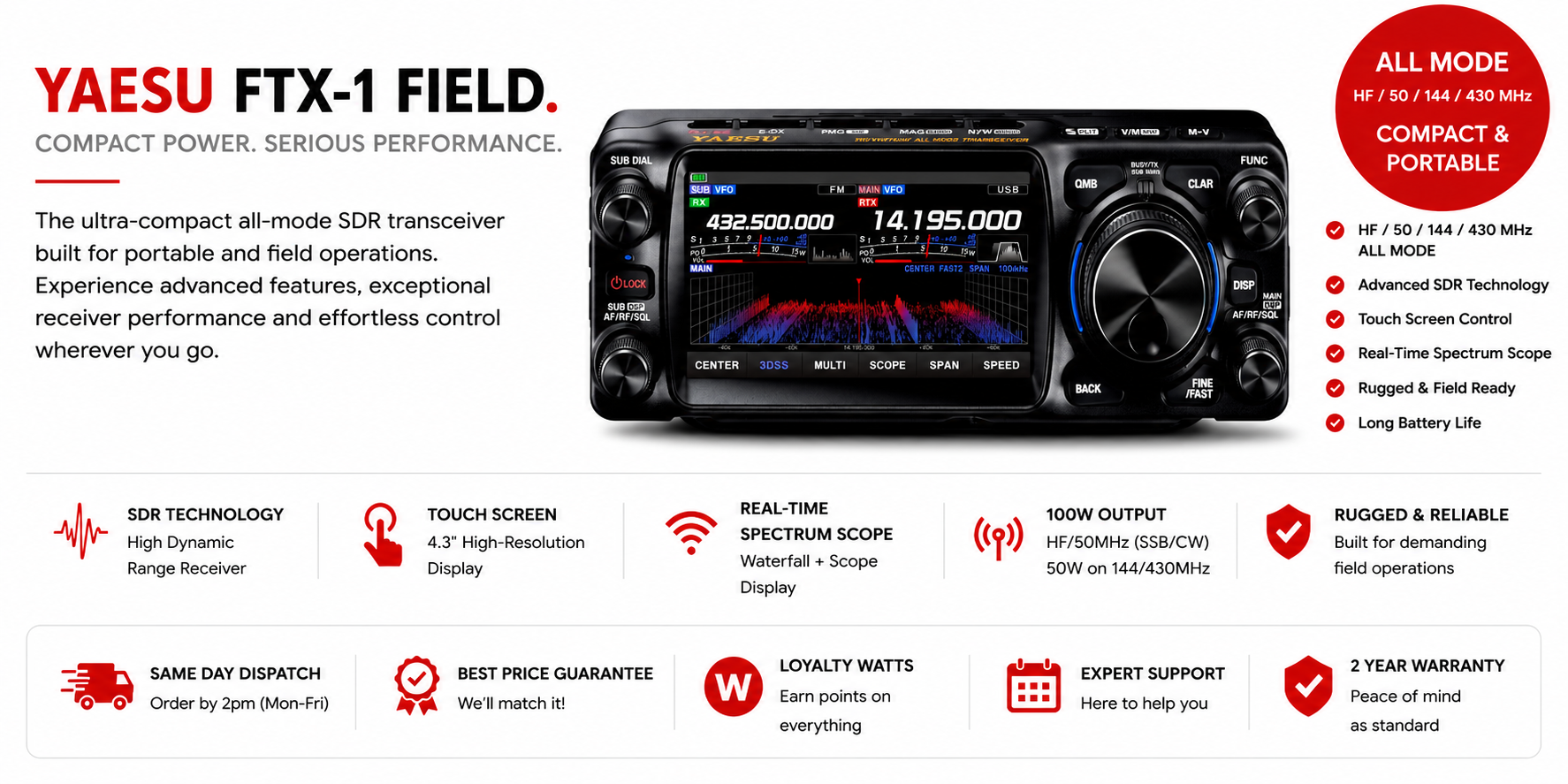
Used on its own as the FTX-1 Field, the unit is very self-contained. It has the RF connections at the rear, microphone and CW sockets, an auxiliary socket for an external antenna tuner, an SD card socket, and two surprisingly good front-mounted loudspeakers.
It is a sensible portable layout. There is very little else required beyond a suitable antenna, a key or microphone as appropriate, and somewhere pleasant to operate from.
Controls, Menus and Everyday Operation
Because the front panel is compact, not every function can have its own dedicated button. Some buttons sit along the top surface, and others are multifunction controls. That is simply the reality of fitting a comprehensive all-band radio into a small enclosure.
Fortunately, I found the controls become familiar quite quickly.
Helpful Default-Setting Colours
One very sensible detail in the menu system is the colour coding. Default settings are shown in yellow. If a value is changed from its default, it changes to white.
This makes it very easy to see at a glance whether the radio is operating with normal settings or whether something has been altered. On a modern radio with plenty of menu options, that is genuinely helpful.
The Supplied Microphone
The supplied microphone is perfectly good. It has the usual frequency up and down buttons at the top, plus four programmable buttons lower down.
I programmed two of those buttons for band changes up and down. For me, that is quicker and more convenient than reaching for the band controls on the top of the front panel.
Front Panel Controls You Actually Use
There are controls along the top of the FTX-1 for band selection, mode changes, bandwidth selection, memories, split operation and other functions. Since the panel slopes away from you, you may not always see those buttons directly, but it does not take long to learn their positions.
In ordinary use, I tend to use only a few of them regularly:
- Band selection
- Mode selection
- Narrow and wide filtering choices
- Memory and split functions when needed
Incremental tuning is handled by a button on the main control. Briefly pressing the volume control brings up RF gain adjustment, then returns to volume control. On FM and AM, the same arrangement also provides access to squelch.
Dual Receive Is One of the Radio's Best Features
One feature that really stands out is dual receive. You can have two bands, or two frequencies, active at the same time.
For example, you might be operating or listening on 40m while also keeping 2m open. Set the VHF side with squelch so there is no constant background noise, and you can still hear any activity on the local club channel or repeater while concentrating on HF.
It is not essential, of course, but it is one of those facilities that becomes very pleasant to have once you are used to it.
I am interested in aircraft, and being around five miles from Southend Airport, I often leave one receiver set to Southend Tower, Approach or Radar. With squelch enabled, the radio remains quiet until there is traffic. The VHF receiver is certainly sensitive enough for the job, and I can also receive Stansted Tower and Approach, which are nearly 40 miles away.
That gives some confidence in the VHF performance. There is no shortage of sensitivity there.
Menu Navigation Is Quicker Than It First Appears
Some people are understandably concerned about menu systems, particularly on compact transceivers. The FTX-1's menu arrangement is comprehensive, but I found it straightforward to navigate.
Holding the relevant control brings up the menu, and rotating the dial moves through the available items. One useful feature is that the radio remembers the last menu item selected.
That is particularly handy with the Optima's internal ATU. If the tuner was the last menu function used, one press brings you back to it. Move to a different part of the band, press the control, and the tuner can retune without having to work through the menu structure all over again.
There are deeper menu layers for radio settings, but the arrangement is logical enough once you have spent a little time with it.
Adjusting Selectivity, Bandwidth and IF Shift
There is also a quick sub-screen for operating adjustments such as:
- IF shift
- Bandwidth
- Selectivity
- Notch filtering and related receiver functions
By holding the appropriate control, the sub-screen appears and these adjustments can be selected quickly. It is a sensible way of keeping important receive controls accessible without cluttering the small front panel.
Using One Familiar Radio at Home and in the Field
For me, this is probably the strongest reason to choose the FTX-1 Optima system. It can be your base station through the winter, then become your portable radio in spring and summer without requiring you to learn a completely different set of controls.
Modern transceivers have plenty of settings, memories, button combinations and menu options. It is easy to spend months using one radio at home, pick up a different portable set later in the year, and find that you have forgotten how everything works.
With the FTX-1, you have the same operating environment whether you are running 100W from the shack or 6W or 10W from a park or hilltop. You know the menu system, you know the controls, and you know where everything is. That familiarity is a major advantage.
Our Range Of Amplifiers:
-
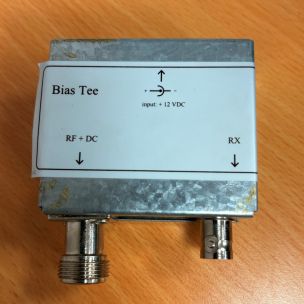 RADAR - BIAS T 1090 MHz PRE AMPLIFIERSpecial Price £25.00 Regular Price £39.95
 -
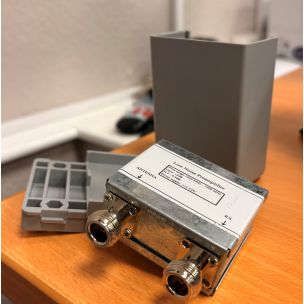 RADAR - Low Noise Pre Amplifier (1090MHz)Special Price £29.95 Regular Price £59.95
 -
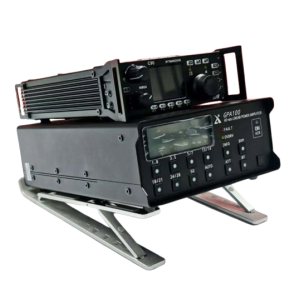 XIEGU GPA100 100W Linear AmplifierSpecial Price £469.95 Regular Price £489.95
 -
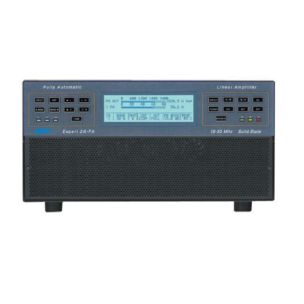 SPE EXPERT 2K-FA - 2 KW Solid State Fully Automatic Linear AmplifierSpecial Price £5,500.00 Regular Price £5,750.00
 -
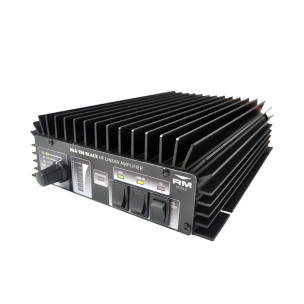 RM HLA150 Plus - All Mode 1.8-30MHz (150W) Linear AmplifierSpecial Price £399.95 Regular Price £429.95
 -
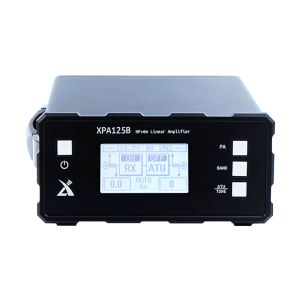 Xiegu XPA125B - Solid State HF Amateur Radio Linear Amplifier (100W)Special Price £579.95 Regular Price £599.95
 -
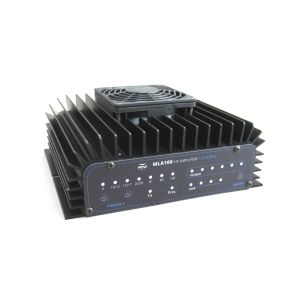 RM MLA-100V 1.8-54MHz (100W) Linear AmplifierSpecial Price £699.95 Regular Price £749.95
 -
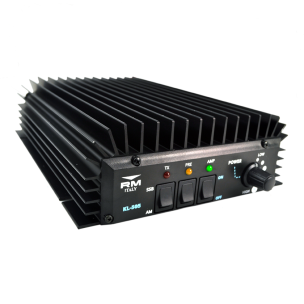
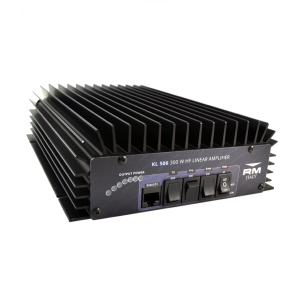 RM KL506 - 25-30MHz (230W) Linear Amplifier With Pre-AmpSpecial Price £369.95 Regular Price £379.95
 -
 RM SD1446 Transistor£49.95
 -
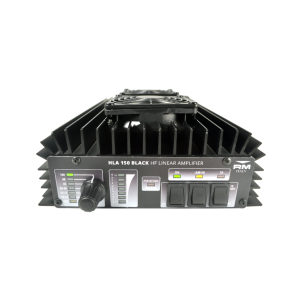 RM HLA150V Plus - 1.8-30MHz (150W) HF Amplifier With FansSpecial Price £449.95 Regular Price £479.95
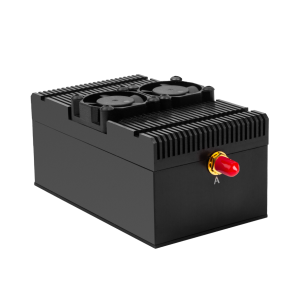
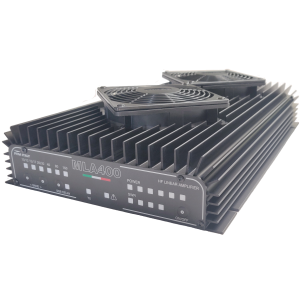
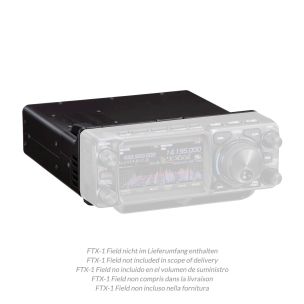
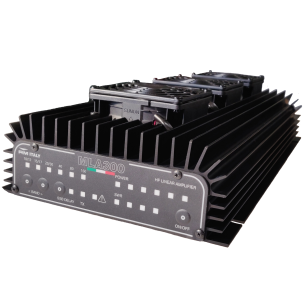
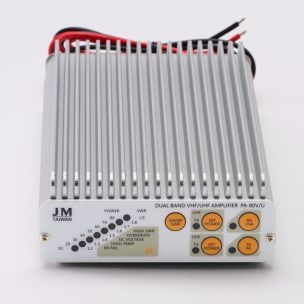

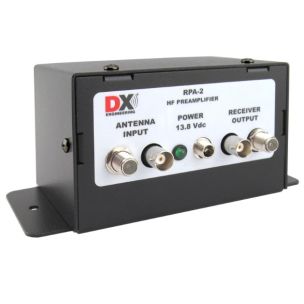
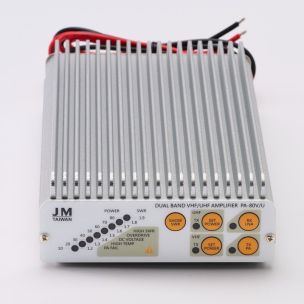
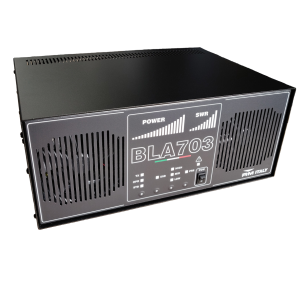
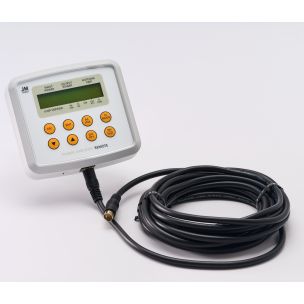
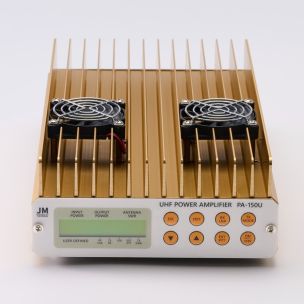
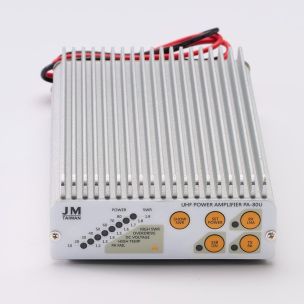
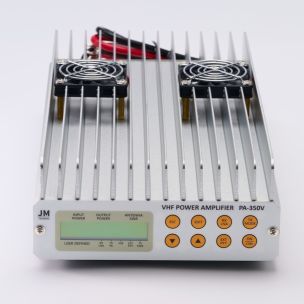
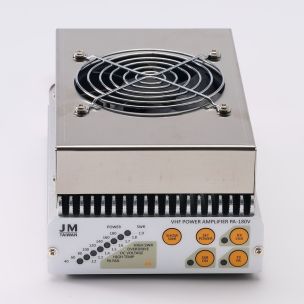
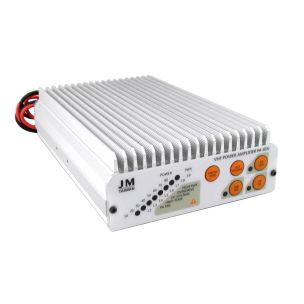
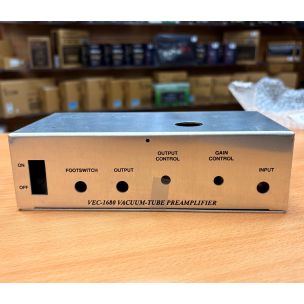
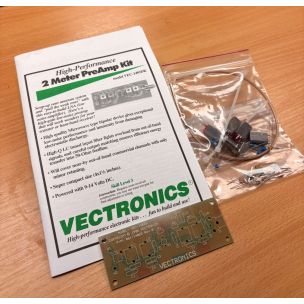
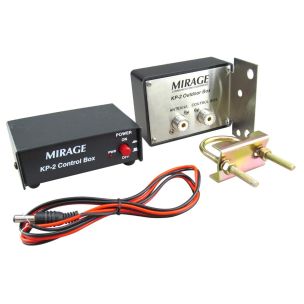
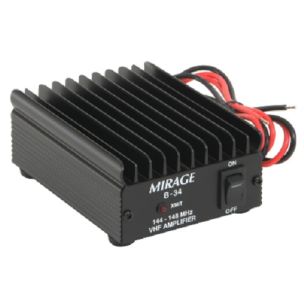

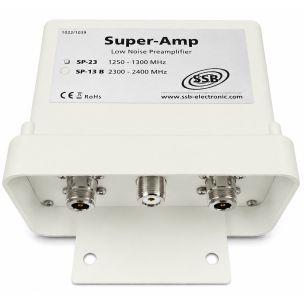
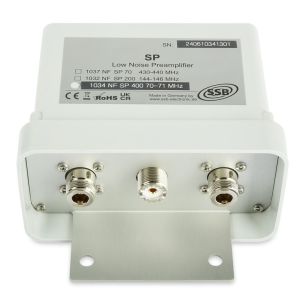
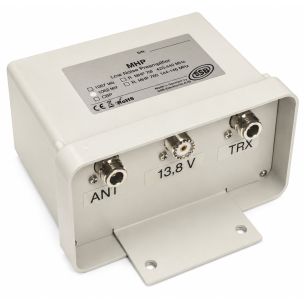
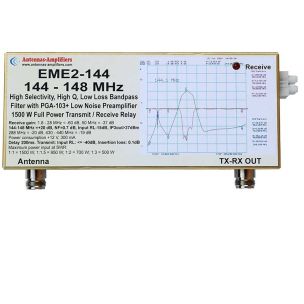
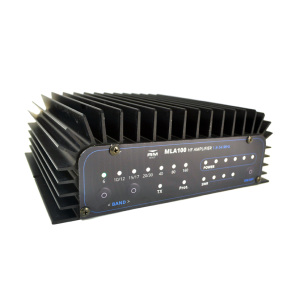
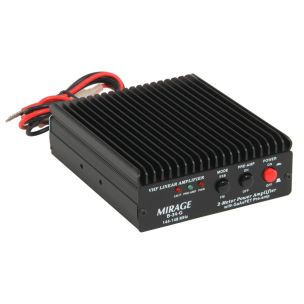

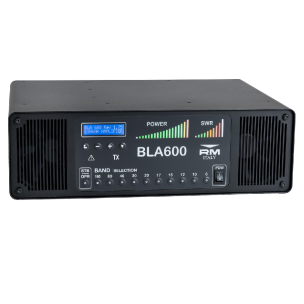
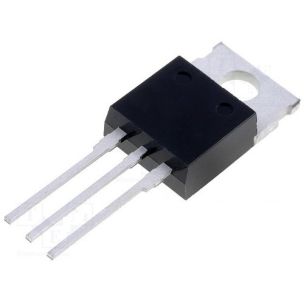
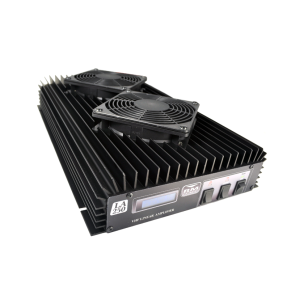
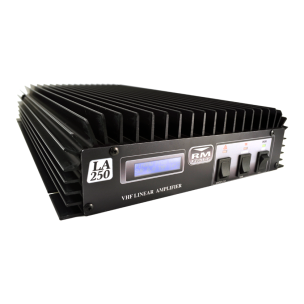

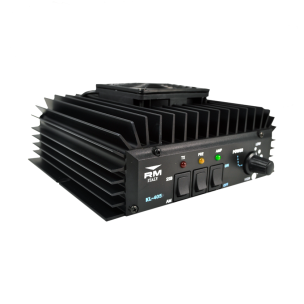
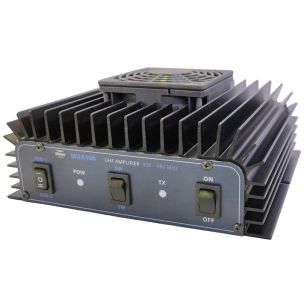
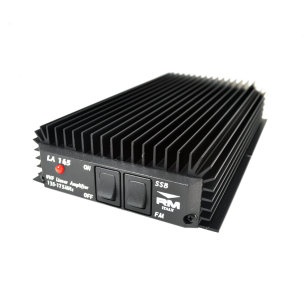
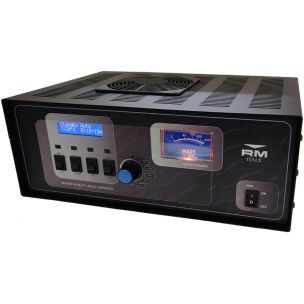
Moonraker Amplifiers: Choose from a wide range of Amplifiers at Moonraker!
Performance After a Year of Use
On HF, I have had no problems with the FTX-1 at all. It has performed well in portable use and has also worked extensively as a base station driving an amplifier.
I have not encountered anything that made me think the basic radio needed improving. Certainly, it has limitations imposed by its compact size. There cannot be a separate button for every possible function, and occasionally it is necessary to use the menu system. But that has not proved troublesome in practice.
Once I have configured the radio for CW or SSB, there is usually very little need to change. I may alter power level or adjust CW keying speed, but those items are easily reached through the menu.
Another useful point is that the transceiver remains usable while the menu is on screen. On CW, for instance, keying speed can be adjusted quickly to suit the station calling you without interrupting normal operation.
Who Is the FTX-1 For?
The FTX-1 Field and FTX-1 Optima suit amateurs who want broad band coverage without filling the shack with separate radios. It will not cover LF or the microwave bands, but it does cover the bands most operators are likely to use regularly.
It is particularly appealing for:
- Portable operators who want a capable QRP radio with a substantial battery.
- POTA and SOTA operators who value battery life and a genuinely self-contained station.
- Home operators who need a compact 100W HF station with an internal ATU.
- Mobile operators who can benefit from the detachable-head arrangement.
- HF operators who also want 2m, 4m, 6m and 70cm capability available in the same radio.
- Anyone who appreciates dual receive for monitoring a local repeater, club channel or aviation frequency while operating elsewhere.
I am not a major VHF enthusiast, but it is reassuring to know that 2m and 70cm are there for activity nights or local contacts. I do not currently have a 4m antenna, though I have heard signals on the band, and the radio gives plenty of scope should I decide to become more active there.
Final Thoughts:
After almost 12 months, the FTX-1 has not let me down. It has been used extensively as a portable radio and extensively as a home station, and it has done both jobs very well.
The compact size, full main-band coverage, dual receive, good VHF sensitivity, remote-head capability and sensible battery arrangement all make it a very attractive transceiver. The Optima adds the convenience of 100W HF operation and a built-in ATU, while the Field remains a highly capable portable QRP unit.
As with any modern radio, there is a period of getting used to the controls. Once you know where everything is, though, it becomes a very comfortable radio to use. Keep the manual on a tablet if you like, but most day-to-day functions soon become second nature.
For my purposes, it has proved to be an excellent base station, an excellent portable station, and a radio I am very happy to continue using.
